
Distraction control
A page with less in the way.
Use BLOKU's page tools to hide selected distractions and make more room for the content you want.
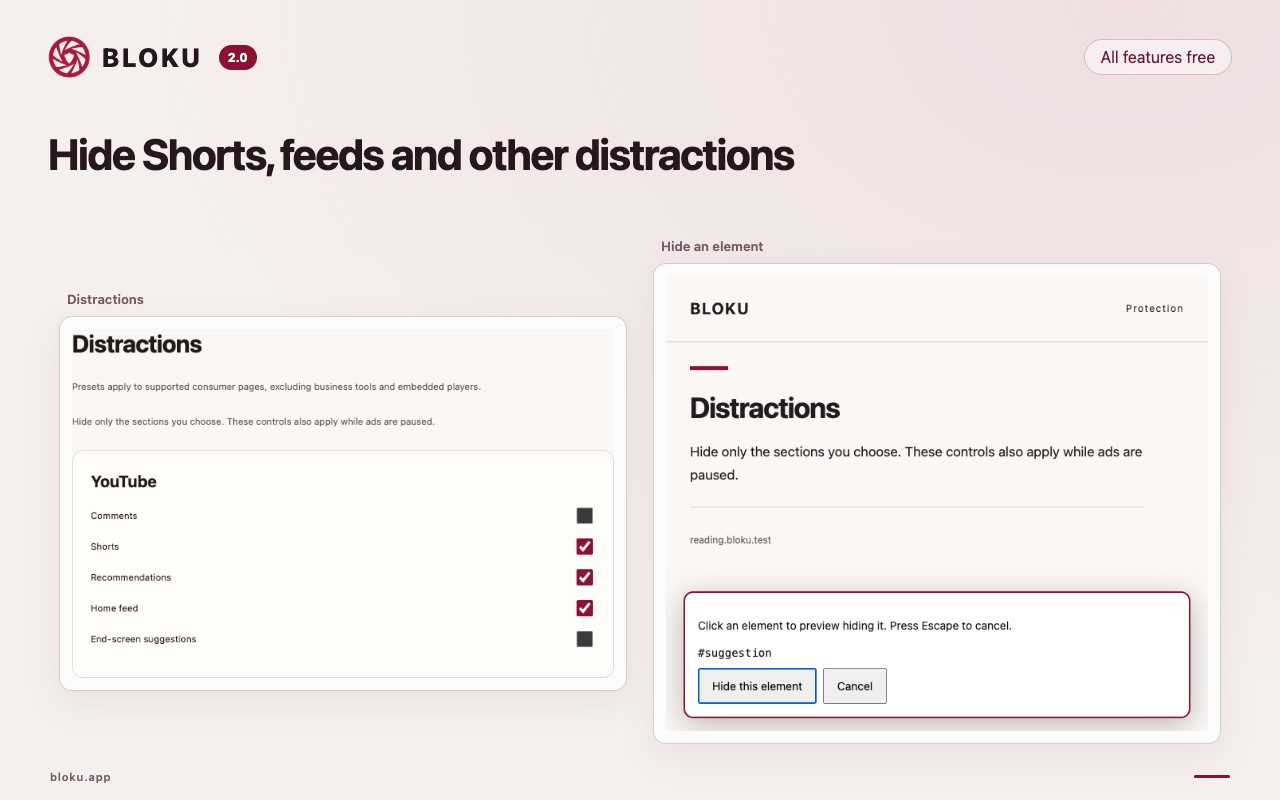
Choose what to hide
Use the extension's distraction controls on supported pages to remove elements that interrupt your reading.
Stay in control
Restore hidden elements when you need them. These controls change your local view of a page, not the website itself.
Keep essential controls visible
Use page cleanup thoughtfully. If navigation, sign-in, or playback stops working, restore the page or pause protection.
Make the web feel like yours.
Install BLOKU from the Chrome Web Store. A quieter browser starts with one small change.
Add to ChromeAll features, free · No account neededFor desktop Chrome 145 or later.